

Most teams building AI products pour everything into model performance while barely thinking about the interface their users will actually touch. The reality is that strong AI UX design is what determines whether a product becomes indispensable or gets quietly uninstalled after the first frustrating session.
Table of Contents
By early 2026, artificial intelligence has officially stopped being impressive. Nobody is clapping because your product uses AI anymore. That applause died somewhere between the fifth chatbot demo and the fifteenth "AI-powered" email subject line. What users care about now is brutally straightforward: does this thing actually make my life easier? And more often than not, the answer is no. Did you know that users form an opinion about a website in less than one second? Also, 88% of online users say they are less likely to return after a single bad experience. Especially when the interface feels confusing or overwhelming. Add unexplained AI behaviour into the mix, and abandonment happens even faster. This is precisely why AI interface design can no longer be treated as an afterthought. If your AI product feels like a locked black box that demands endless prompts just to behave, you're not selling innovation. You're selling unpaid training work.
Trust is the new currency. One of the most important principles in 2026 is transparency. Users no longer tolerate AI that makes decisions without explanation. If people don't understand why something happened, they don't trust it and they certainly don't give it their data. This scepticism is well documented. Zendesk reports that 74% of customer experience leaders say transparency in how AI works is essential for maintaining customer trust. In other words, three out of four decision-makers agree: secretive AI is bad business. The solution isn't dumping technical jargon onto users. It's designing interfaces that calmly show reasoning, confidence levels, or editable assumptions. Just enough clarity to feel safe. Human-in-the-loop controls turn mistakes into collaboration rather than catastrophe. This is where thoughtful experience design for AI products stops users from panicking and starts building loyalty.
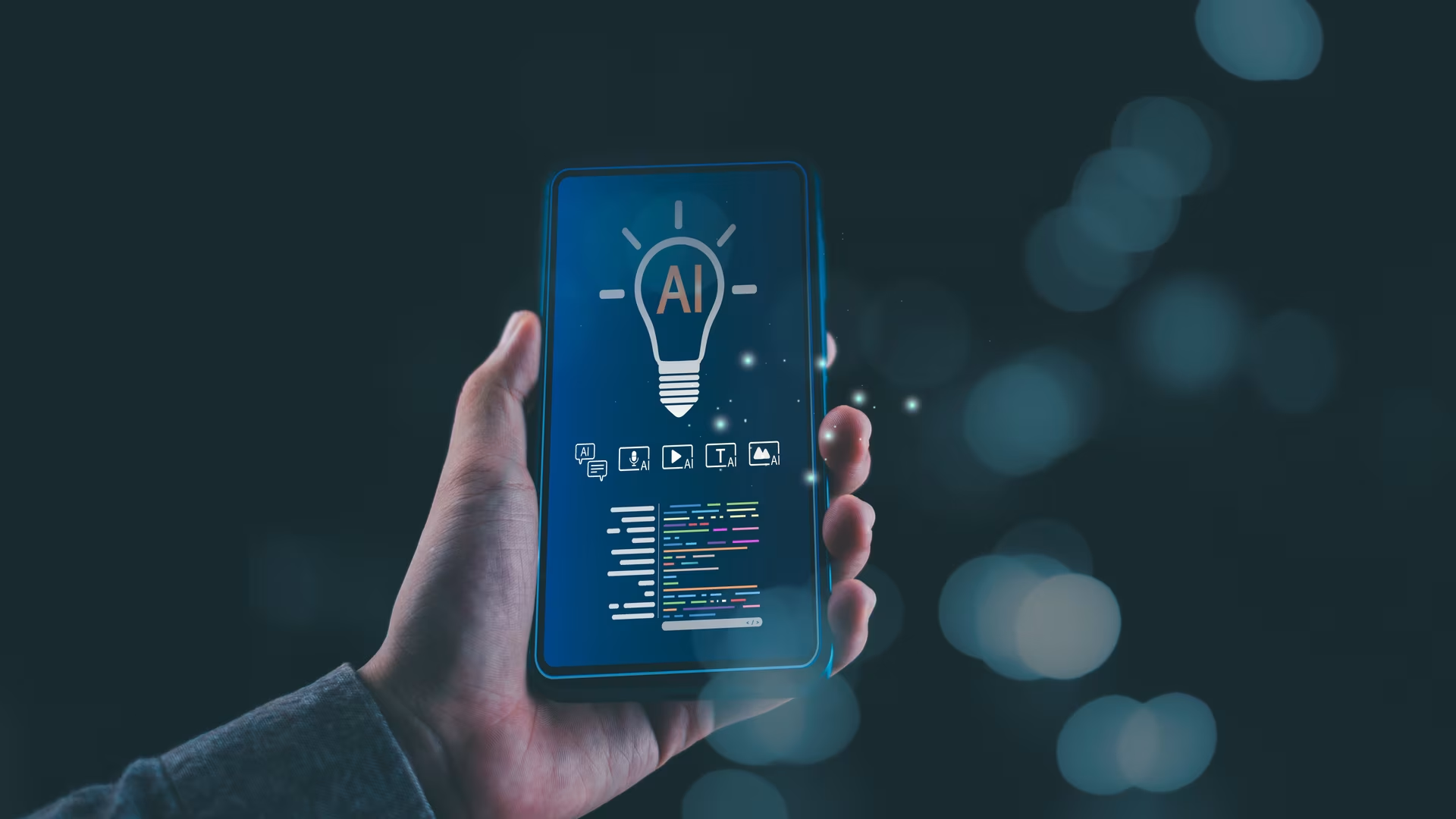
Traditional software politely asks, "Which button would you like to click?" Modern AI should ask, "What are you actually trying to achieve before lunch?" This shift is driving the rise of agent-based interfaces, where a single intent triggers a chain of intelligent actions. This approach sits at the heart of AI interaction design for agent-driven products and defines many of the best practices emerging in this space today. The real danger here isn't automation. It's cognitive overload. When users must learn prompt engineering just to complete routine tasks, the interface has already failed. Great UX removes that friction entirely. Users express goals; the system handles the complexity. When done properly, the AI feels less like software and more like a competent colleague who doesn't need babysitting.
Static dashboards are starting to look like fax machines: technically functional, emotionally exhausting. In 2026, interfaces increasingly adapt themselves in real time, responding to context, behaviour, and intent. This is where generative UI earns its keep. At the same time, "Zero UI" is becoming less theoretical and more normal. Voice, conversational input, and ambient interactions are no longer edge cases. According to Forbes, a majority of mobile users in the U.S. now use voice assistants daily, and around 50% of users perform voice searches every single day. The message is clear: the screen is no longer the star of the show. Designers must stop thinking in pages and start thinking in states; fluid, adaptive, and responsive to humans rather than menus.

An AI that doesn't learn is just an expensive set of if-else statements. Learning requires feedback, and UX decides whether that feedback happens or gets ignored. Academic research into AI personalisation shows that AI-driven personalisation can increase user engagement by up to 80%, but only when users are able to actively influence and refine those personalisations through the interface. In plain English: personalisation works brilliantly when users feel in control. Good UX asks for feedback at the right moment; the "that actually helped" moment. Not through awkward pop-ups or soul-destroying surveys. This is why AI UX design trends in 2026 lean heavily toward lightweight, multimodal feedback that respects attention spans.
Accessibility is no longer a courtesy feature. It's table stakes. UX research consistently shows that 71% of users will abandon a website if it is difficult to navigate or understand, particularly when clarity and usability are compromised. AI can actively improve accessibility by adjusting layouts, typography, contrast, and navigation paths in real time. But this only works if accessibility is baked into the UX for AI system from day one. Retrofitting it later is like installing seatbelts after the crash.

Here's the uncomfortable truth: most AI products don't fail because the model is weak. They fail because the UX is exhausting. Nowadays, success belongs to AI products that feel understandable, adaptive, and oddly polite. Systems that respect human attention rather than testing it. This is why UX is no longer decoration; it's infrastructure. Teams building serious AI increasingly treat experience design as a core system layer, not an afterthought. Exactly where MPiFY tends to operate behind the scenes.

Anyone can ship a smart model. Very few ship one people enjoy using. The difference isn't intelligence. It's experience.
If your AI UX design helps users understand what is happening, adapts gracefully to their needs, and stays out of their way, they stick around. If it doesn't, they leave quietly and never come back. Want your AI product to feel less "clever demo" and more "indispensable tool"? Let's make it human, usable, and impossible to ghost!
A poor user experience quickly drives users away. 88% of users say they are less likely to return after a single bad experience caused by confusing, outdated, or unresponsive interfaces.
Transparency builds trust and reduces anxiety. When users understand how AI makes decisions, they are more willing to rely on it and share data.
Yes, voice usage is now part of daily behaviour. A majority of mobile users in the U.S. use voice assistants on a daily basis.
Voice search is already mainstream. Around 50% of mobile users in the U.S. perform voice searches every single day.
Yes, when users feel in control, personalisation works. AI-driven personalisation can increase engagement by up to 80%.
UX determines whether AI feels usable or exhausting. AI products succeed when they are understandable, adaptive, and responsive to human intent; which is how design agency MPiFY approaches UX design.


.svg)
