
Choosing the best UI design tools for your team sounds like a nice, low-stakes decision until you realise it shapes how your entire product gets built, reviewed, and shipped. Get it right and everything flows; get it wrong and you will spend the next year arguing with software instead of making things.
Table of Contents:
Here is some context worth knowing before you make any decisions. The global UI/UX market is projected to reach USD 11.66 billion by 2031, growing at a compound annual rate of 32% from 2026 onwards. That is not a niche design industry statistic. That is a signal about where businesses everywhere are redirecting serious budget, and the tools at the centre of that shift matter more than ever.
The way teams actually work has changed too, and fast. Remote and distributed workflows are now the norm, not the exception, and cloud-based design solutions commanded 68.19% of the UI/UX market in 2025. Browser-first, always-on, zero installation headaches. Your tooling choice now determines how smoothly your team operates in that world.
Worth remembering: this is not just a designer’s call. It touches developers, product managers, brand leads, and every stakeholder who needs to open, review, or sign off on anything. The right UI design tool serves all of them, not just the one holding the stylus.
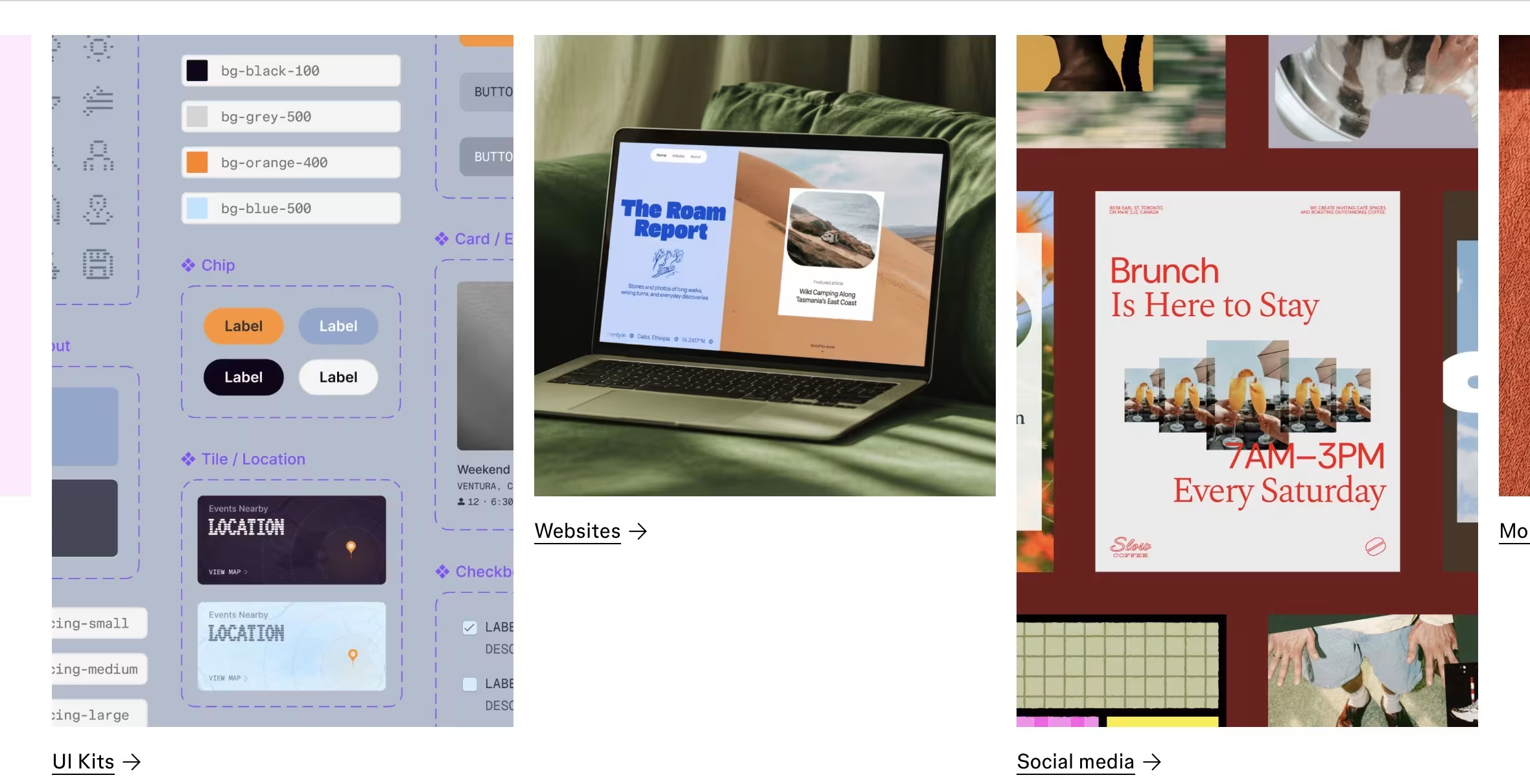
MPiFY’s answer here is straightforward: for the vast majority of product teams in 2025 and 2026, Figma is the best UI design tool going. It is browser-based, works across every operating system, and was built from the ground up for the kind of real-time, cross-functional collaboration that modern teams actually need.
The numbers back this up well. Figma holds a 40.65% market share in design software and supports 13 million monthly active users as of March 2025, including 95% of Fortune 500 companies. Those figures represent genuine adoption across all kinds of teams and industries, from small startups in the Gulf to enterprise product organisations at Microsoft, Netflix, and Airbnb.
What puts Figma ahead? Multiplayer editing, a solid component and variable system, Dev Mode for handoff, and an AI toolkit that keeps getting better. Other tools are still relevant in the right context, but as the default choice for any new digital project in 2026? Nothing else comes close.
To understand where we are today, it helps to know what happened to the competition.
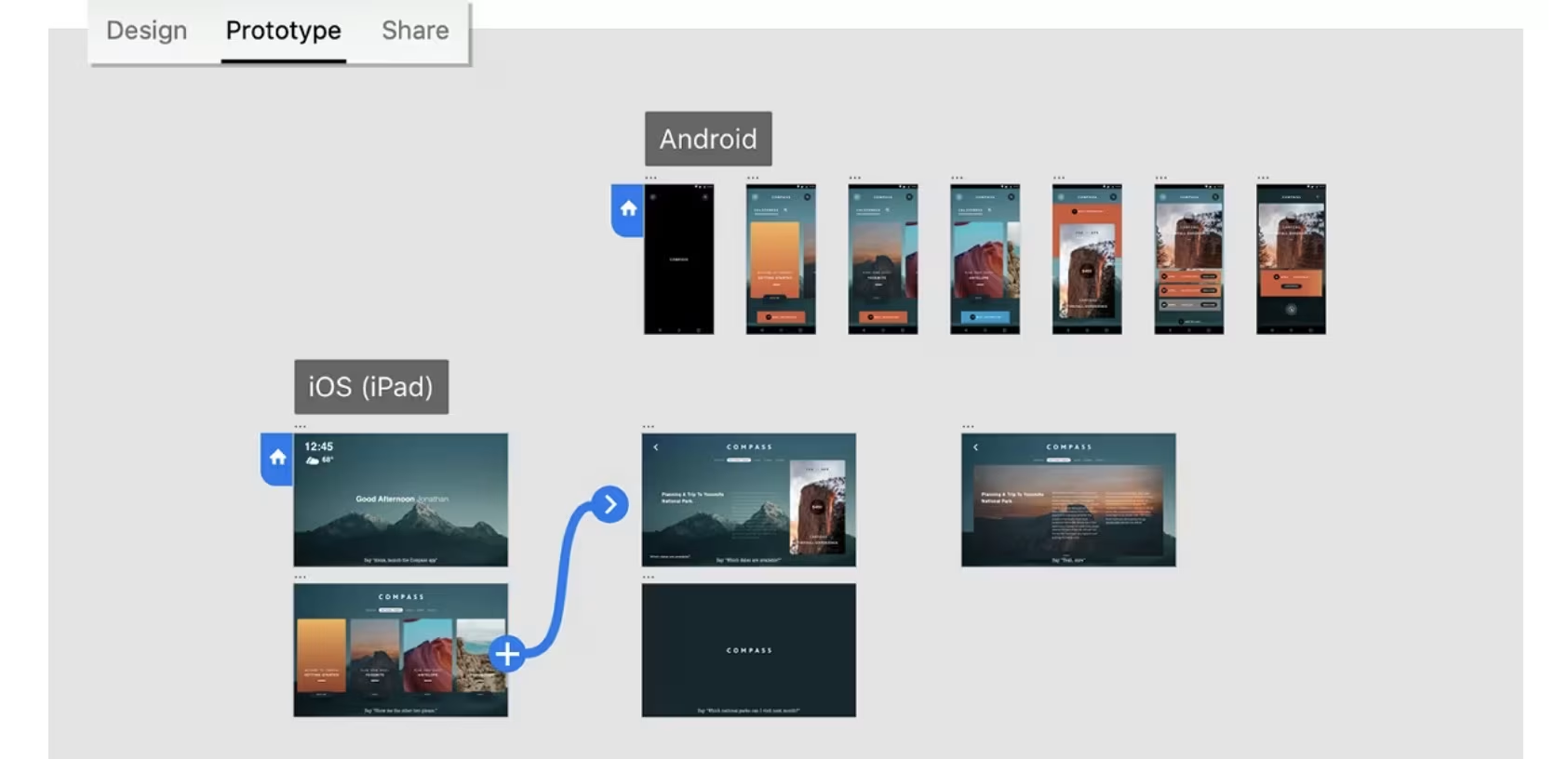
Adobe XD is effectively out of the running. After the collapse of Adobe’s proposed USD 20 billion acquisition of Figma in late 2023, Adobe placed XD in official maintenance mode, meaning no new features, no updates, no roadmap. Existing files still open. Starting anything new in Adobe XD in 2025? That is a decision you will regret within the year.
Sketch is still a good tool and a lot of experienced designers have a genuine soft spot for it. The problem is hard to overlook: it is macOS-only. The moment someone on your team uses Windows, or a stakeholder in another country needs to open a file, the workflow breaks. A clean interface only gets you so far.
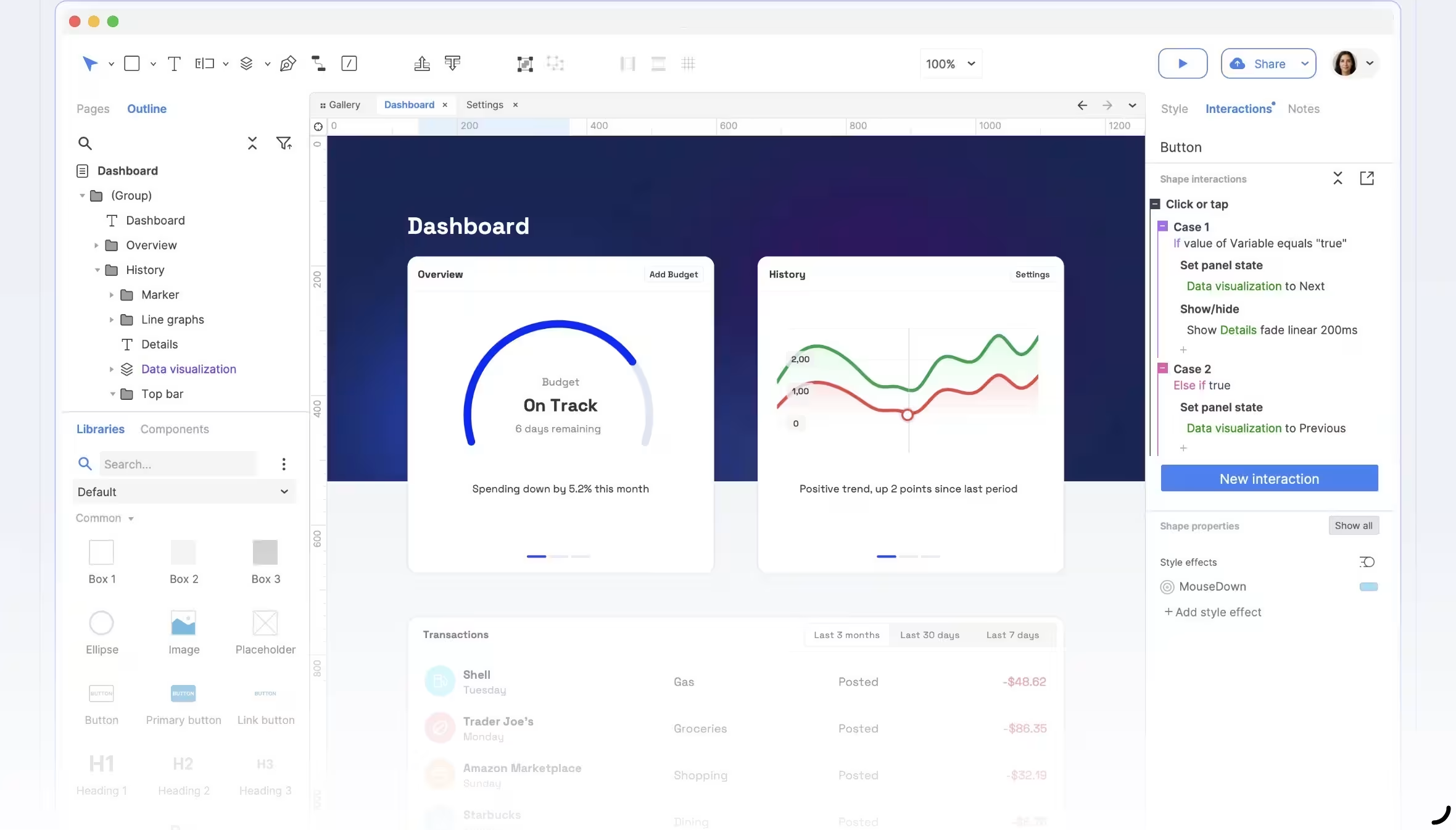
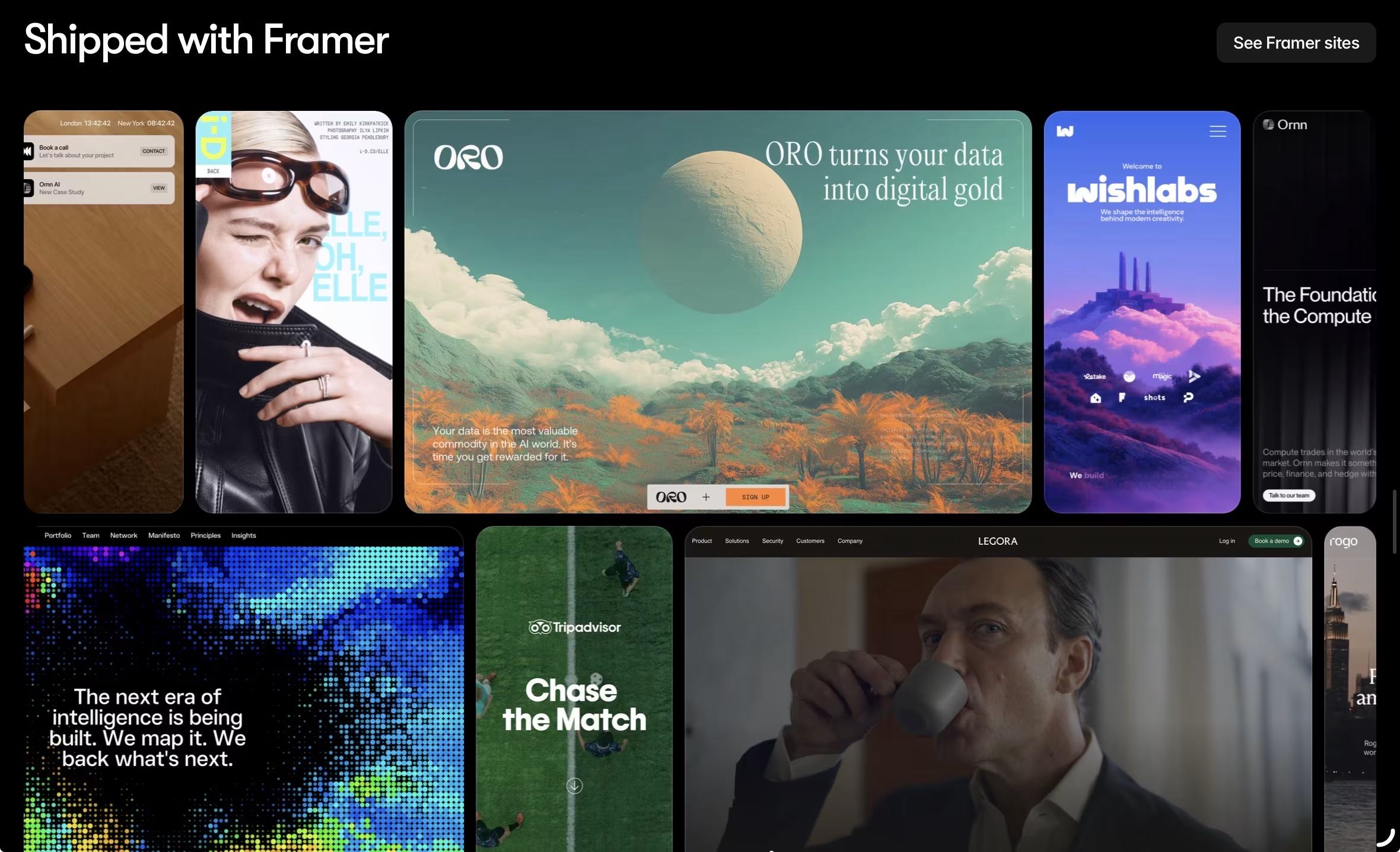
Framer and UXPin occupy genuinely useful niches. Framer is brilliant for motion-rich, interactive web experiences, and its prototypes can often be published directly as live sites, which is a real time-saver. UXPin takes a different approach by letting teams prototype with actual coded components, which closes the gap between design and engineering in a way other tools simply do not.
Axure RP is in a category of its own. It is not beginner-friendly and has no interest in being so. For enterprise UX teams who need conditional logic, dynamic variables, and realistic simulation of complex workflows, Axure RP is still the gold standard. For everyone else, the learning curve is a cost that rarely pays off.
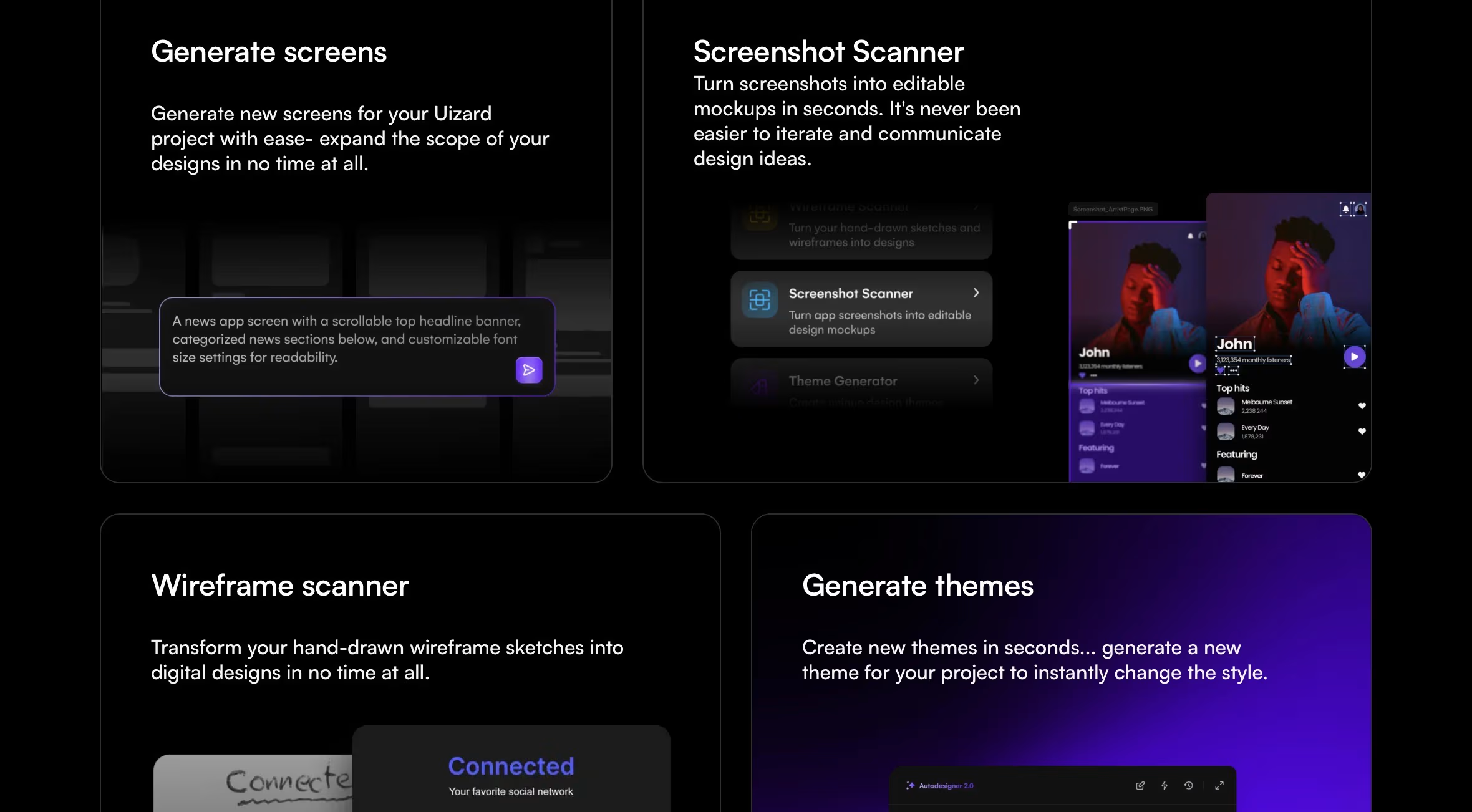
Uizard occupies the opposite end of the spectrum from tools like Axure or Figma. It is an AI-first platform designed explicitly for non-designers, startup founders, and product managers who need to visualize ideas immediately without navigating a steep learning curve.
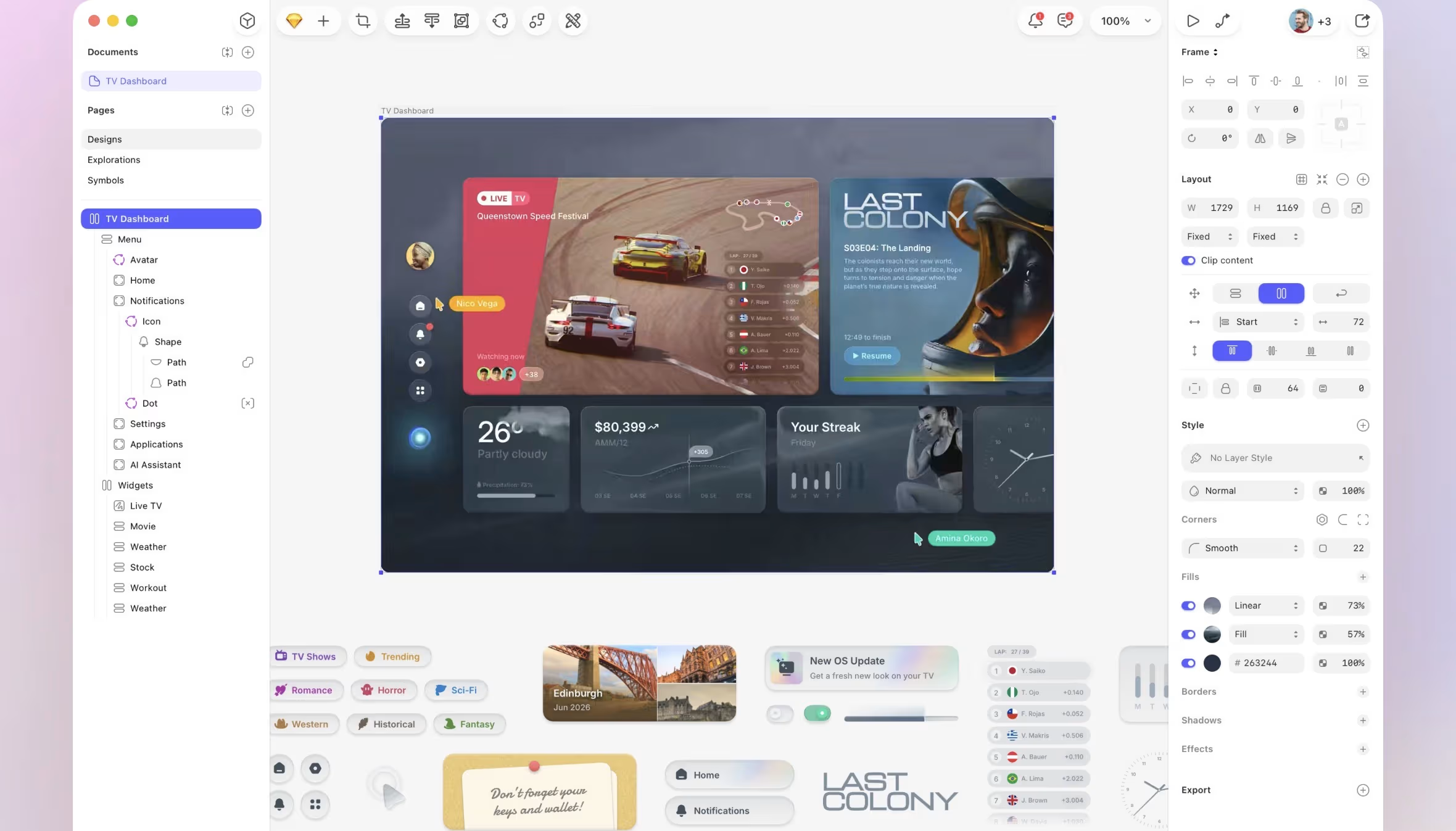
Here is how the main UI design tools stack up side by side.
MPiFY’s take on this is clear: platform compatibility is non-negotiable, full stop. The moment your design tool locks out users based on their operating system or requires a download before anyone can leave a comment, collaboration starts falling apart before the work even begins.
Here is a stat worth pinning up: 80.3% of businesses rate usability as the single most important web design factor, ranking it above visual aesthetics. But usability does not begin on screen. It begins in the workflow. A tool that needs a full installation, or only runs on one OS, introduces friction before a single decision has been made.
Figma, Framer, and UXPin are fully browser-accessible across Windows, macOS, and Linux. Sketch runs on macOS only. Axure RP requires full installation with no browser access at all. Adobe XD had limited web access at its best, and is not a realistic consideration for new work anymore.
For teams working across the UK, UAE, Malta, and wider EMEA, this is especially relevant. When a stakeholder in Dubai needs to review a prototype built by a designer in London, the last thing they should be dealing with is a download prompt. Browser-first is the only sensible answer.
We would suggest thinking about prototyping in tiers, because the honest answer really does depend on what you are building and for whom.
For standard UI flows, wireframes, and mid-to-high-fidelity mockups covering most SaaS, mobile, and web projects, Figma handles it well. It is fast, flexible, and more than capable for the majority of usability testing situations you will actually encounter.
Need to simulate something more complex? Think government portals, multi-step financial workflows, conditional form logic. That is where Axure RP still earns its reputation. Its dynamic variables and conditional interactions let UX teams model application behaviour at a level of fidelity Figma simply does not support.
For interactive, motion-heavy, publication-ready work, Framer is the right call. Its animation and microinteraction capabilities are meaningfully more sophisticated than Figma’s, and being able to publish a prototype as a live site shortens the design-to-launch cycle in a way that makes a real difference.
The mistake most teams make is trying to squeeze all three scenarios into one tool. You do not have to.
As we watch this space closely, the honest read for 2026 is this: AI features are not yet a dealbreaker, but they are fast becoming a tiebreaker. Teams who treat them as optional right now will start feeling the gap within the next twelve months.
Figma has moved quickly here with AI-assisted layout generation, image editing, and its Make 2.0 toolset. Uizard, which is aimed at beginners and rapid ideation, was early to text-to-wireframe features and remains a reference point for AI-generated UI work. UXPin has woven AI into its design-with-code workflow too.
The broader picture is worth knowing: 85% of marketers and creatives already report saving roughly four hours per week using generative AI tools, and design software is absorbing those efficiencies fast. The best UI design tools in the near future will be defined in part by how well their AI cuts rework and bridges the gap between a rough brief and a buildable prototype. That direction is already set.
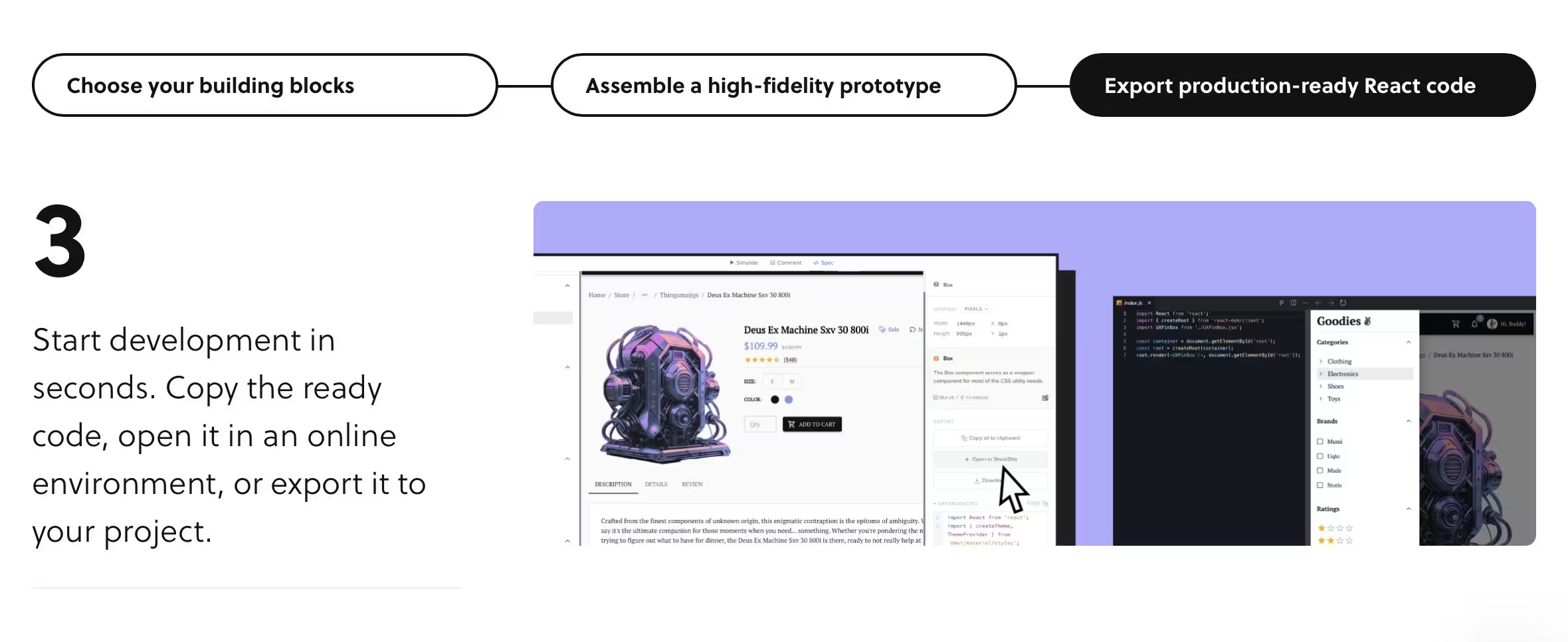
One of the most overlooked questions in any design tool comparison is this: what happens after the design is done? A beautiful prototype that forces a developer to manually reinterpret every specification is only half a solution.
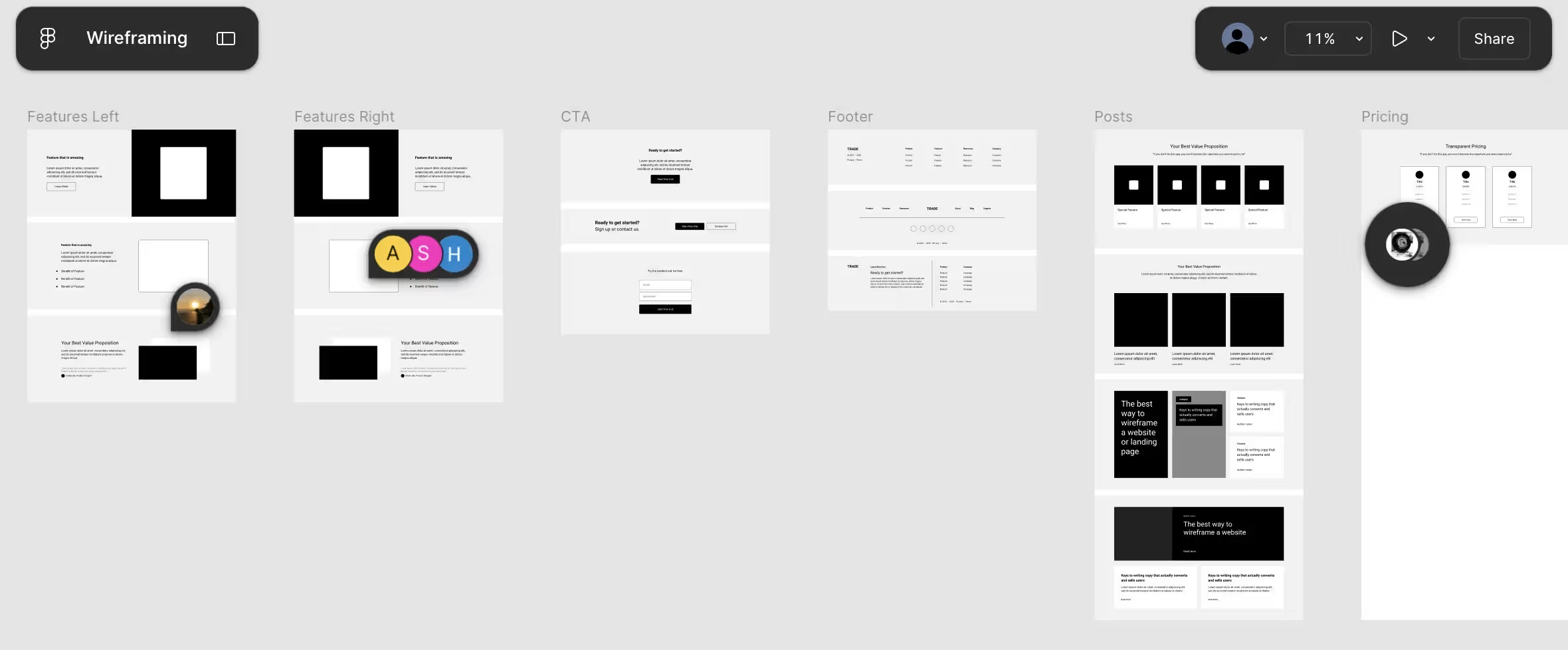
Figma’s Dev Mode is the industry standard for handoff right now. It gives developers precise measurements, code snippets, and component documentation directly from the design file. No extra plugins needed for the core stuff. This is a significant part of why Figma has embedded itself so deeply across product organisations of all sizes.
UXPin goes a step further. Because its prototypes are built using actual coded components rather than design representations, the gap between what designers hand over and what developers build is meaningfully narrower. For enterprise teams where consistency across that boundary is the main concern, that is a real advantage.
Framer takes a different approach entirely: it collapses the handoff into a single step. Build it in Framer, publish it. The prototype is the product. For teams who can operate fully within Framer’s ecosystem, that is a genuinely powerful outcome.
MPiFY works with international clients in hospitality, iGaming, professional services, and tech, and the starting point for every tool conversation is always the same three questions: How big is your team? How technically capable is your engineering function? What are you actually trying to build?
Here is the short version:
At MPiFY, we do not recommend design tools from a comfortable distance. We build with them daily, across branding (visual identity), web design, UI UX design, and digital marketing projects for clients from Valetta to London and Ras Al Khaimah. These tooling decisions are baked into everything we deliver, from early wireframes and interactive prototypes through to production-ready design systems and developer-ready handoffs.
The right UI tool is only as powerful as the team using it with a clear plan behind it. Whether you are launching your first digital product, scaling a design system, or trying to migrate away from a platform that has quietly stopped serving you, getting the foundation right is where the real value starts.
Looking for a creative and digital agency to help you make the right calls from the start? Malta-based creative agency MPiFY specialises in UI/UX design, web design, branding, and digital strategy for brands across the globe, from UK to the UAE. Get in touch with us today.
Figma is the best UI design tool for most teams, with a 40.65% market share and adoption by 95% of Fortune 500 companies.
MPiFY recommends Figma as it suits most use cases; Axure RP leads for complex enterprise flows; Framer leads for motion-rich, interactive web prototypes.
No; Sketch is macOS-only, which makes it impractical for any team with mixed operating systems or international collaborators.
Figma Dev Mode is the current industry standard; UXPin closes the gap further by using actual coded components rather than design representations.
Figma leads on AI integration in 2026, with Uizard and UXPin also offering capable AI-assisted design workflows for specific use cases.
Framer is excellent for interactive, motion-rich web design and can publish directly to live sites, though it is less suited to large-scale enterprise design systems.
Browser-first tools including Figma, Framer, and UXPin are the most practical choice for distributed teams working across time zones and operating systems


.svg)
